
PDF Fixer
PDF accessibility, fixed automatically
Making a PDF accessible is manual, tedious work. Half an hour a document, one file at a time. Not anymore. Upload a document and Askem checks it against PDF/UA and WCAG, then fixes what's broken: structure, alt text, metadata, reading order. More than 9 in 10 come back passing, ready to publish.
Last updated August 2026 · Reviewed by the Askem accessibility team
PDF remediation is the work of making an existing PDF accessible: adding the tags, structure and metadata that screen readers rely on, so the document meets PDF/UA and WCAG. Askem does it automatically. You upload the document, it fixes what's broken, validates the result against PDF/UA-1 and WCAG, and hands it back ready to publish.
Trusted by hard-working website teams


_logo.png)


We've spent years on website accessibility. Documents are what's left.
Public-sector organisations across Europe have been under accessibility law since the Web Accessibility Directive took effect in 2018, and the European Accessibility Act extended the same expectations to the private sector in June 2025. Monitoring reports keep landing on the same finding: the websites improved, and the documents on them didn't. Inaccessible PDFs are consistently among the most common barriers still standing, and official guidance still points teams at fixing them by hand, one file at a time.
Nobody has 500 hours
Thirty minutes a document
And that's a document you already know is broken. Finding the broken ones is on top of that.
Then somebody checks it
Manual remediation gets reviewed, because manual work makes mistakes. One file costs two people's time, every time.
And then you publish another one
The backlog is only half of it. Every new report, form and brochure starts the clock again.
PDF Fixer takes the whole step out of the routine, including the review step.
What your PDF backlog actually costs
Change any of these. The numbers are yours, not ours.
Time to fix one document you already know is broken. Finding the issues is on top of this.
Fixing that backlog by hand takes
500hours of manual work67 working days·€25,000 in staff time
Askem does the same backlog in a single run.
Book a 20-minute call about your PDF backlogHow to use it
Step 1
Upload
Choose a PDF up to 500 pages. We securely prepare it for analysis.
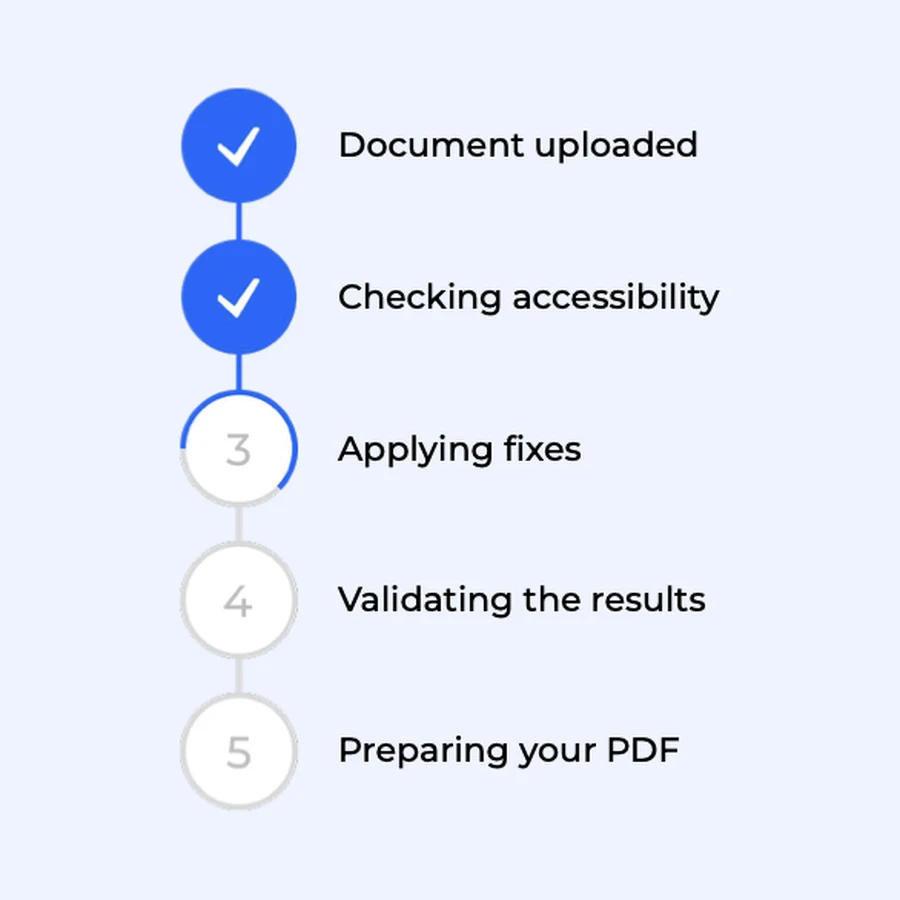
Step 2
Check & Fix
We find accessibility issues, apply fixes and validate the result.
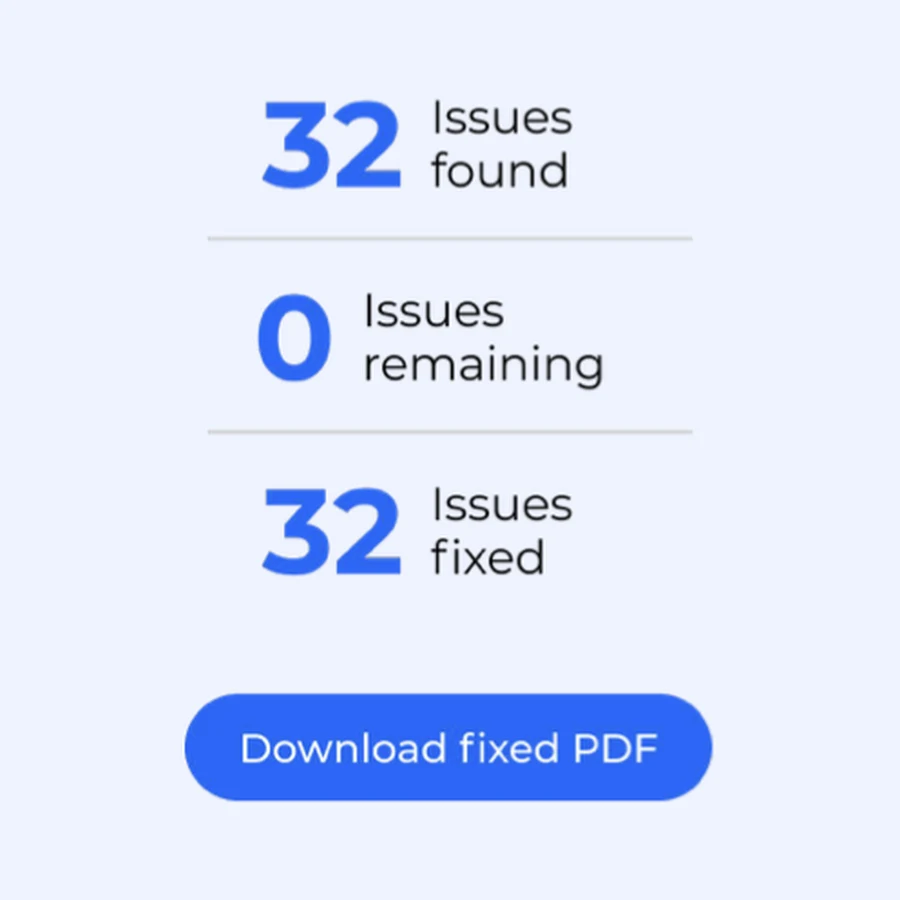
Step 3
Download
Review the results and download your accessible PDF, ready to publish.
What gets fixed
Not a subset. Every document is checked against the full standard, and everything below is repaired without anyone touching the file.
Fixed automatically
- Document structure and tags: headings, lists, tables
- Reading order
- Alt text for images
- Document metadata, title and language
- Artifacts and untagged content
- PDF/UA-1 and WCAG structural conformance
More than 9 in 10 documents come back passing, and you get the result for every single file, so you know exactly which ones need to be fixed manually.
Automated remediation doesn't transfer legal responsibility. What it gives you is documented, validated conformance for the documents it fixes, and a per-document record you can put in front of an auditor.
One document, or ten thousand
A single document
Drop in one PDF and get it back fixed and validated in minutes. No integration, no project, no procurement.
The whole backlog
Send up to 200,000 documents in one batch. Same fixes, same validation, same evidence for every file.
PDF accessibility FAQs
What is PDF remediation?
Does automated PDF remediation make a document legally compliant?
What can't be fixed automatically?
Can Askem fix scanned PDFs?
Which standards do you fix against?
How do you validate the result?
What languages does it work with?
Does PDF Fixer find the PDFs on my site?
Where is my document processed?
Preparing for an audit? Read our guide to the European Accessibility Act →
Book a 20-minute call. Bring one of your worst PDFs.
We'll run it while you watch, and tell you honestly what came back and what didn't.